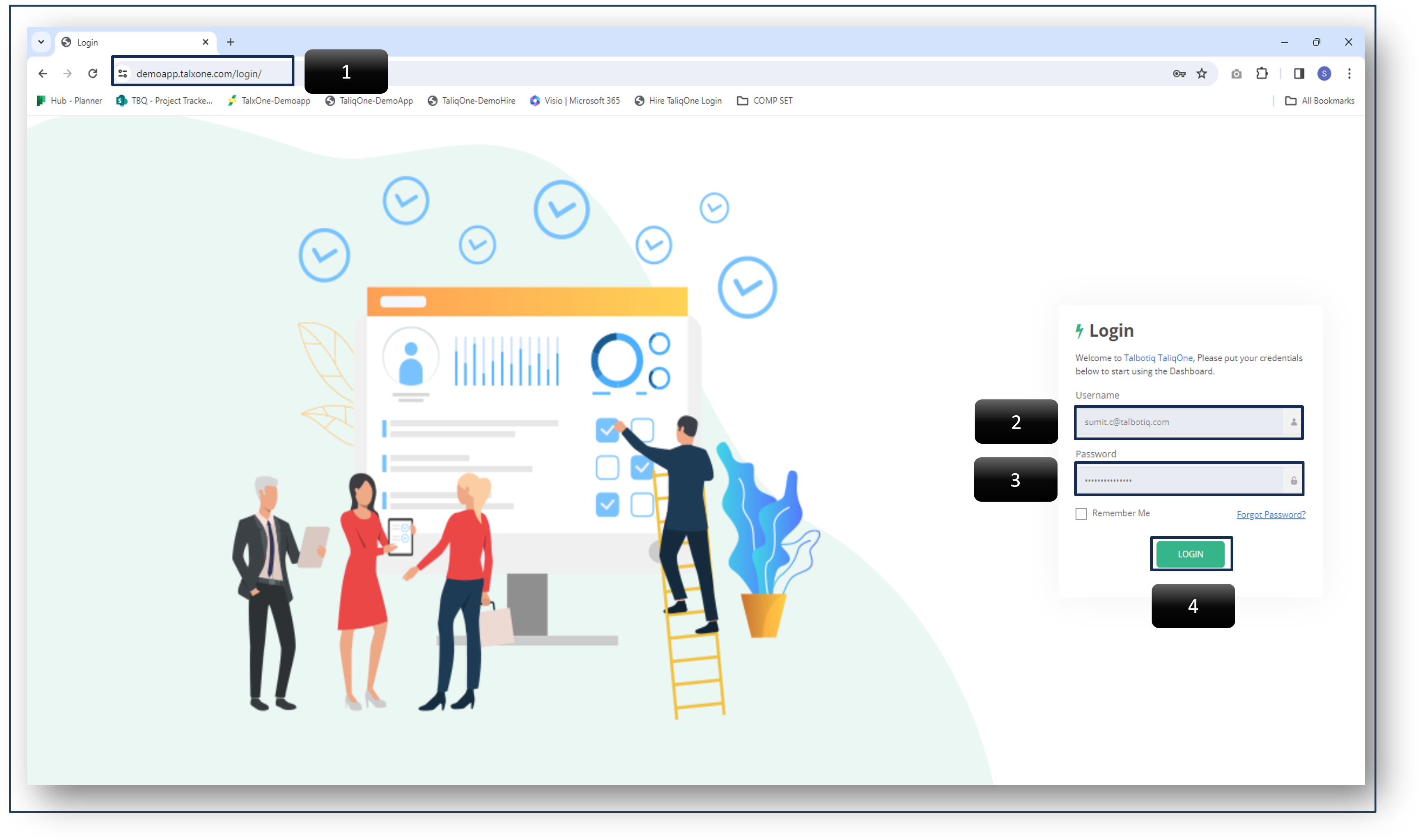

-
2 Username - Enter the one that was provided to you in the email sent to your official email address.
-
3 Password - Enter the one-time password given in email ID.
*Use "Forgot Password" option to create new password, if required
*Check "Remember Me" box to remain logged in to the system -
4 Login - After entering "Username" and "Password" click on login button